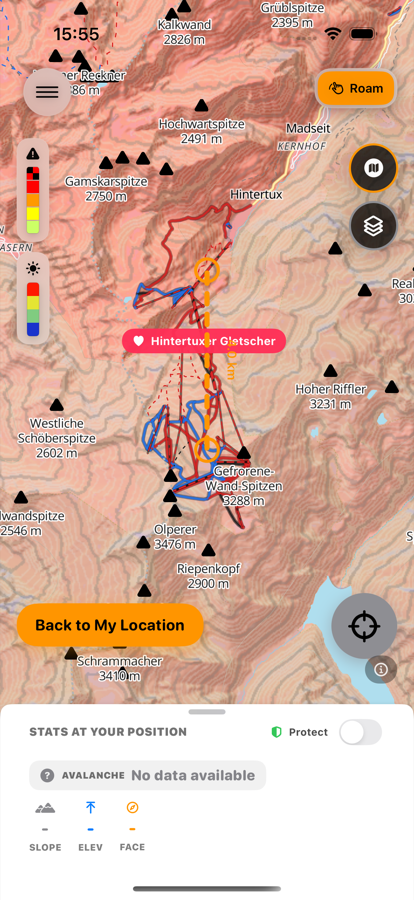
Reading slush before it wrecks your line
Heavy, wet snow doesn't fall evenly across a mountain — it depends on where the sun has been. Here's how to check aspect before you commit to a run.
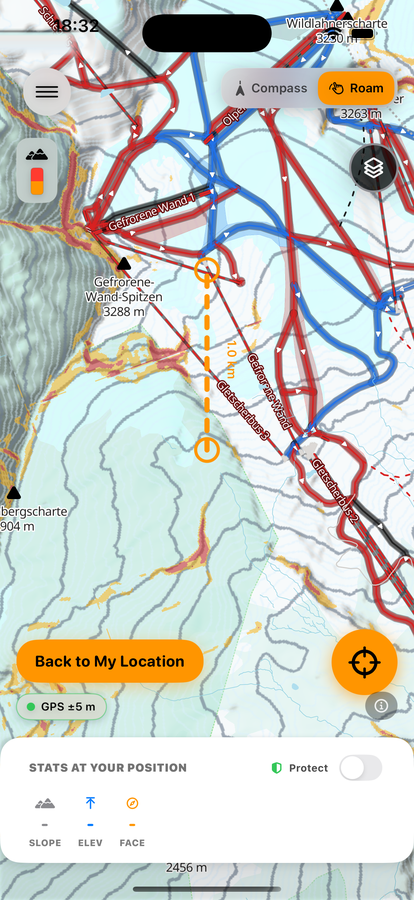
Spotting cliffs before you commit to a line
From above, a convex roll can hide exactly where the terrain breaks away. The cliff layer marks that break before you're already over it.
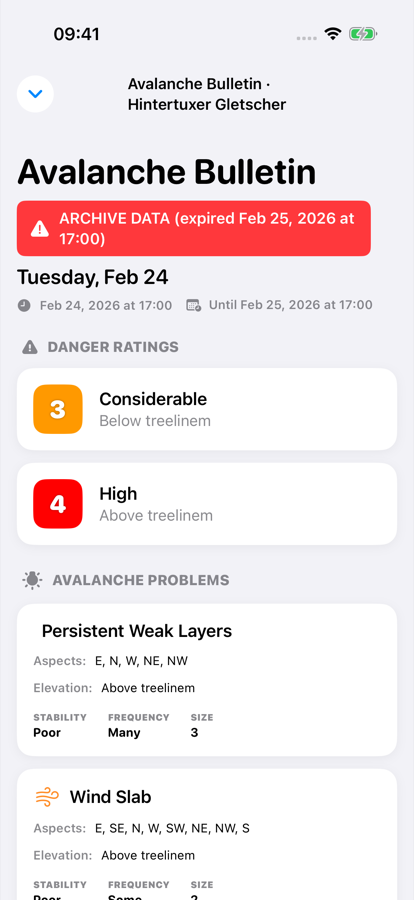
Placing the avalanche bulletin on the actual mountain
A danger rating on its own doesn't tell you which slope it applies to. Placing the bulletin on the terrain in front of you does.
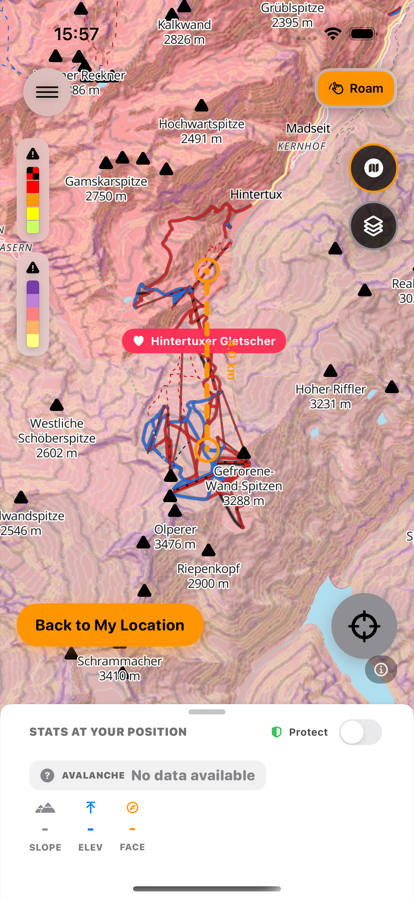
Knowing the angle before you drop in
An open, fresh-snow slope can look perfect and still sit squarely in the angle range where most slab avalanches start.
Finding snow that's still cold
Not all powder stays powder. Aspect and sun decide which slopes hold their snow longest — well before you get there.
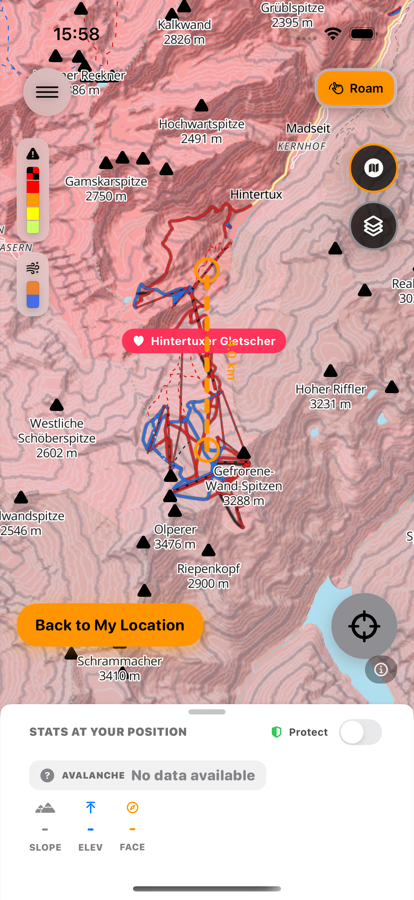
Reading where the wind moved the snow
Fresh snow doesn't stay where it falls. Wind loads some slopes and scours others — often within a few hundred meters of each other.
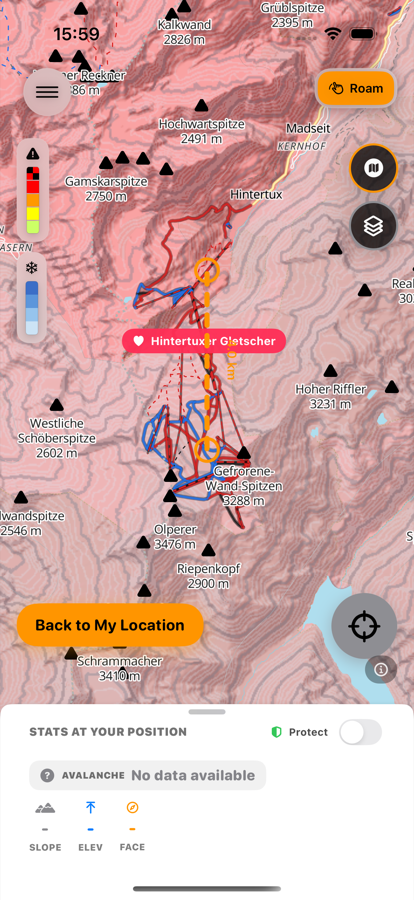
Finding out where the storm actually delivered
The forecast said fresh snow. Down at the base it's wet and disappointing — a few hundred meters up, it might be exactly what you were hoping for.
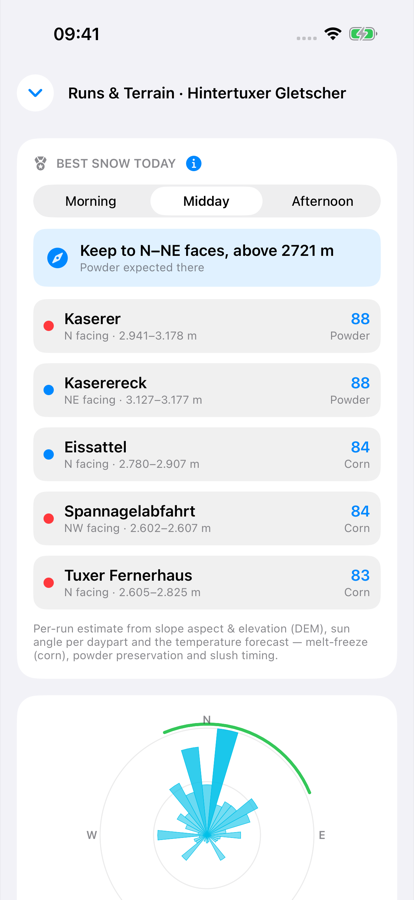
Timing the corn window
The same slope can be bulletproof at 9am, perfect corn at noon, and slush by 2pm. Spring snow is a window, not just a place.
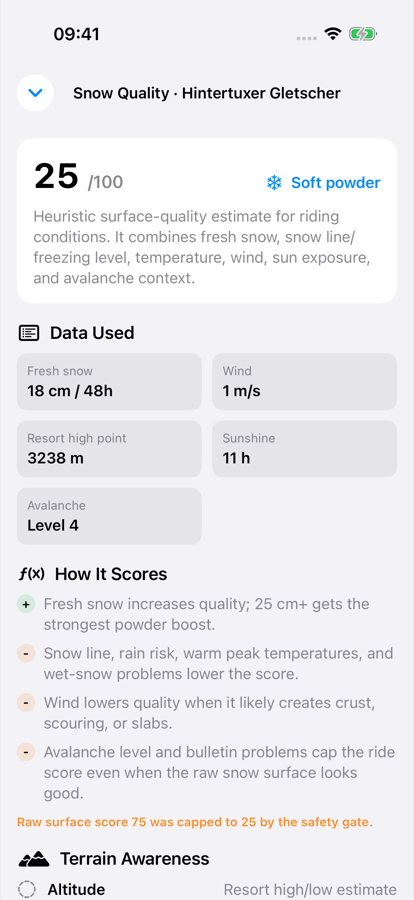
Knowing which slopes never softened
Shade preserves snow — sometimes that snow is powder, sometimes it's ice that never got the chance to soften.
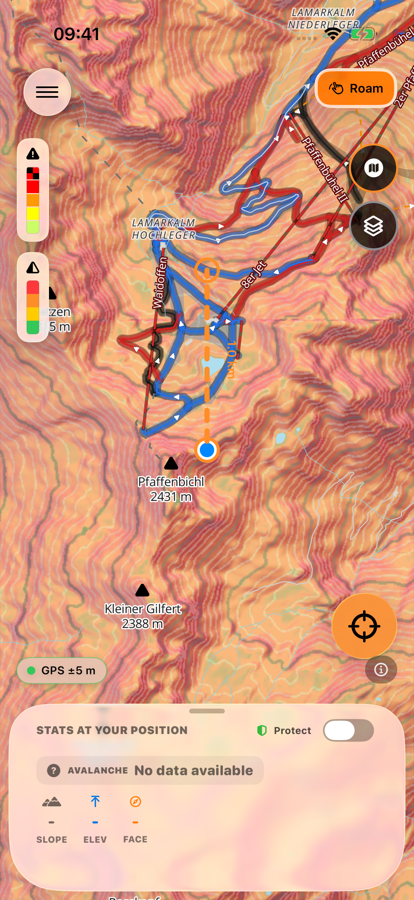
Reading terrain shape when the light goes flat
Flat light erases contrast before it erases the terrain. Ridges, gullies, and rolls are still there — you just can't see them the way you normally would.
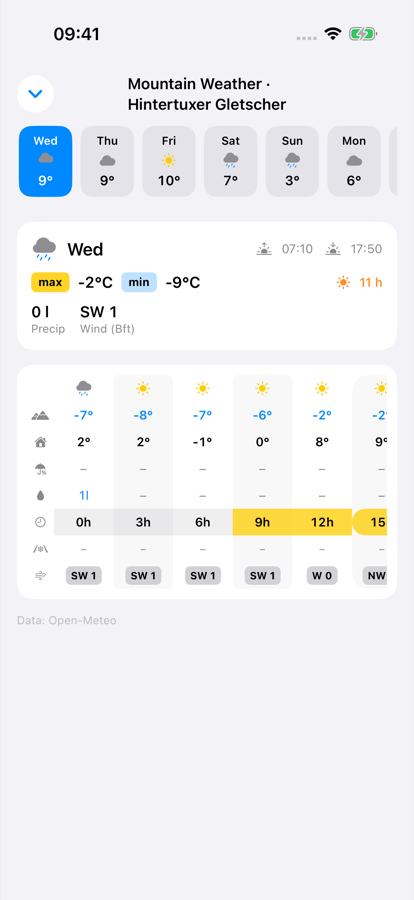
Letting elevation decide where you ride
A few hundred meters of elevation can be the difference between a rained-on base and dry snow that's still holding up.
Letting the mountain tell you where to start
Snow quality isn't random. Aspect, elevation, sun, and temperature decide it — and they change through the day.
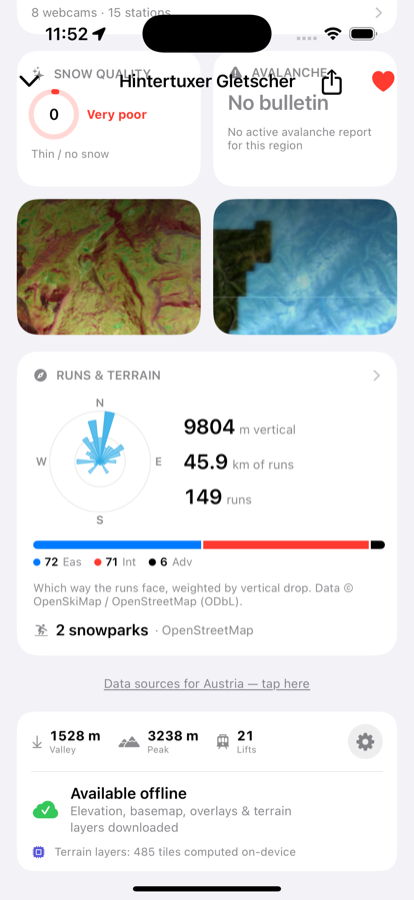
Taking a resort offline before you lose signal
Terrain, runs and avalanche layers only help if they're already on your phone before you leave coverage.
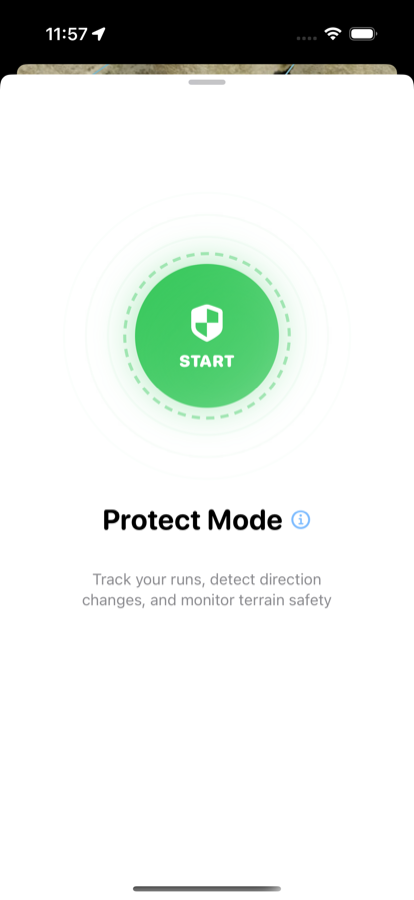
What Protect Mode does — and doesn't
Mountain safety info and avalanche risk on your Lock Screen and Dynamic Island — information, not a safety net.
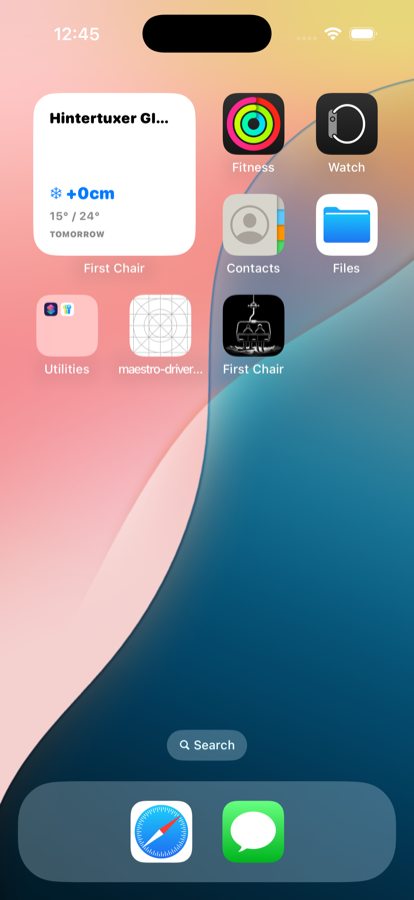
Getting mountain conditions onto your Home Screen
Two widgets, and the favorites list that decides what they show — here's how to add each one.
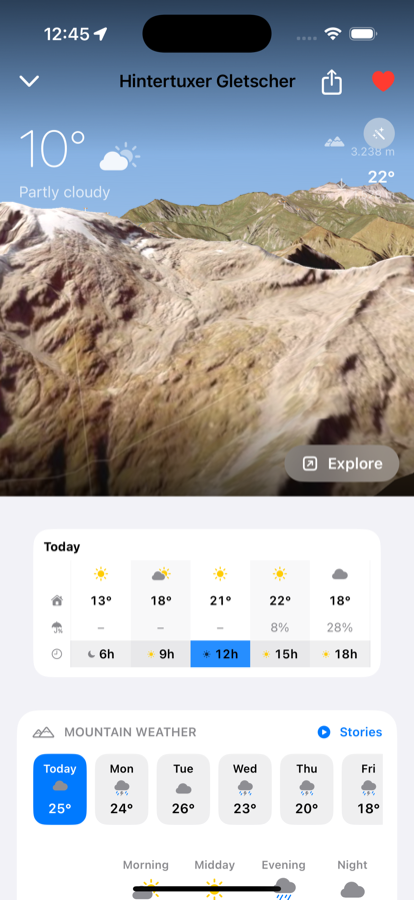
What favoriting a resort switches on
Powder alerts, Powder Radar, offline maps, widgets — all of it follows the heart.